Next.js
Add the theme editor to a Next.js app with the App Router.
This page sets up the editor in a Next.js app with the App Router, with Turbopack or webpack. For a Vite app, see Vite.
Before you start
- Next.js 15 or later, React 19 and Node.js 22.12 or later.
- A Next.js app. No app yet? See Create a project.
- A project set up with
slabui init. The plugin reads itsslabui.jsonto find your theme.
Install
Install the package
Install it as a regular dependency, not a dev dependency: your root layout imports it. Outside development the editor renders nothing, so it adds no work to your production pages.
Wrap your Next.js config
import { withTheme } from "@slabui/theme-react/next"
import type { NextConfig } from "next"
const nextConfig: NextConfig = {}
export default withTheme(nextConfig)It works only in next dev. In next build and next start your config is
returned unchanged.
Render the editor in the root layout
import { ThemeEditor } from "@slabui/theme-react"
import "./globals.css"
export default function RootLayout({ children }: { children: React.ReactNode }) {
return (
<html lang="en">
<body>
{children}
<ThemeEditor />
</body>
</html>
)
}ThemeEditor is a client component, so it works in a server layout as is.
Render it once, in the root layout, so it is on every page.
Open the editor
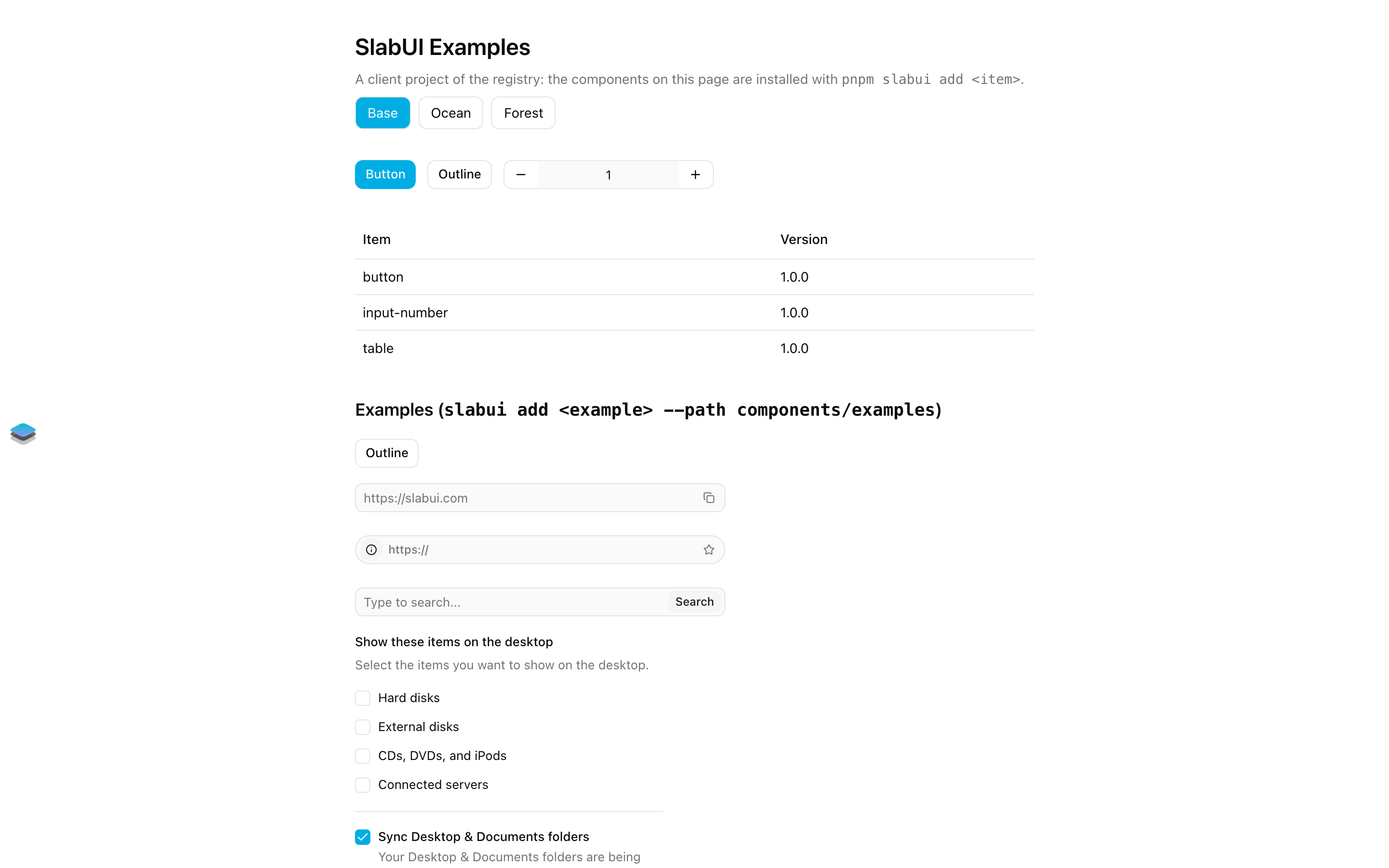
Open your app and click the button on the left edge of the page. The first time,
sign in to your SlabUI account (the same login as npx slabui login).
Apply a theme
Themes created in the Themes section of the
editor are turned on with SLABUI_THEME, one per deploy. Spread
themeAttribute() on <html>: it reads SLABUI_THEME on the server and comes
from the same package.
import { ThemeEditor, themeAttribute } from "@slabui/theme-react"
export default function RootLayout({ children }: { children: React.ReactNode }) {
return (
<html lang="en" {...themeAttribute()}>
<body>
{children}
<ThemeEditor />
</body>
</html>
)
}With SLABUI_THEME=ocean, the app uses the ocean theme. Without it, the app
uses the base theme.
themeAttribute() also reads NEXT_PUBLIC_SLABUI_THEME, which Next.js inlines
in the build, so the theme name is available in client components too. When
both are set, SLABUI_THEME wins:
NEXT_PUBLIC_SLABUI_THEME=oceanOther plugins in next.config.ts
withTheme accepts a config object or a config function, so it can wrap the
result of other Next.js plugins. Keep it as the outermost call:
import createMDX from "@next/mdx"
import { withTheme } from "@slabui/theme-react/next"
import type { NextConfig } from "next"
const withMDX = createMDX({})
const nextConfig: NextConfig = {
pageExtensions: ["ts", "tsx", "md", "mdx"],
}
export default withTheme(withMDX(nextConfig))Your own rewrites are kept, and the editor's requests go first, so a
catch-all route can't take them.
Options
The plugin works without options in a project set up with slabui init: it
reads your slabui.json and knows where your theme is. To keep your theme
somewhere else, pass the options as the second argument of withTheme:
export default withTheme(nextConfig, {
css: "@/app/globals.css",
dir: "@/styles/themes",
})css: the file where your theme is saved. Defaults to thecssfield ofslabui.json.dir: the folder where extra themes are saved. Defaults tothemes/in yourstylesalias.reference: the theme that Restore defaults brings back. Defaults to the SlabUI default theme.
Paths are relative to the folder where next dev runs and may use the aliases
of your tsconfig.json.
Themes folder
Themes created in the Themes section of the
editor are saved in the dir option or, without it, in themes/ inside the
styles alias of slabui.json. With "styles": "@/styles" and
"@/*": ["./src/*"] in tsconfig.json, that is src/styles/themes. The folder
is created with the first theme.
Monorepos
The plugin reads slabui.json and tsconfig.json from the folder where
next dev runs: the app's folder when you run it from there or with
pnpm --filter <app> dev.